
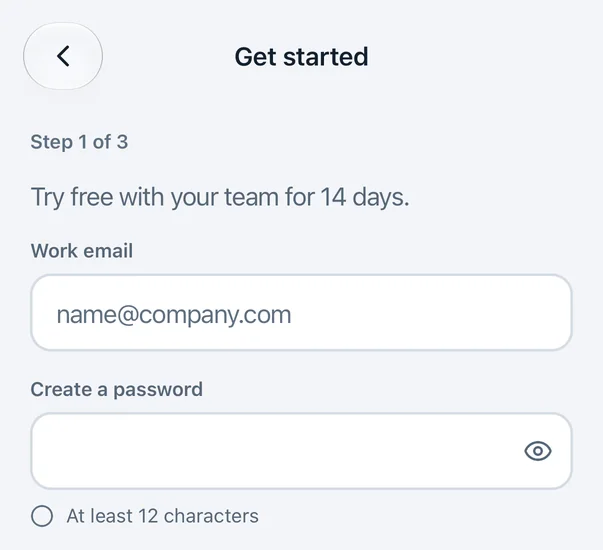
Sign up with your work email
Choose a password, then enter the 6-digit code we email you, your name and your company.
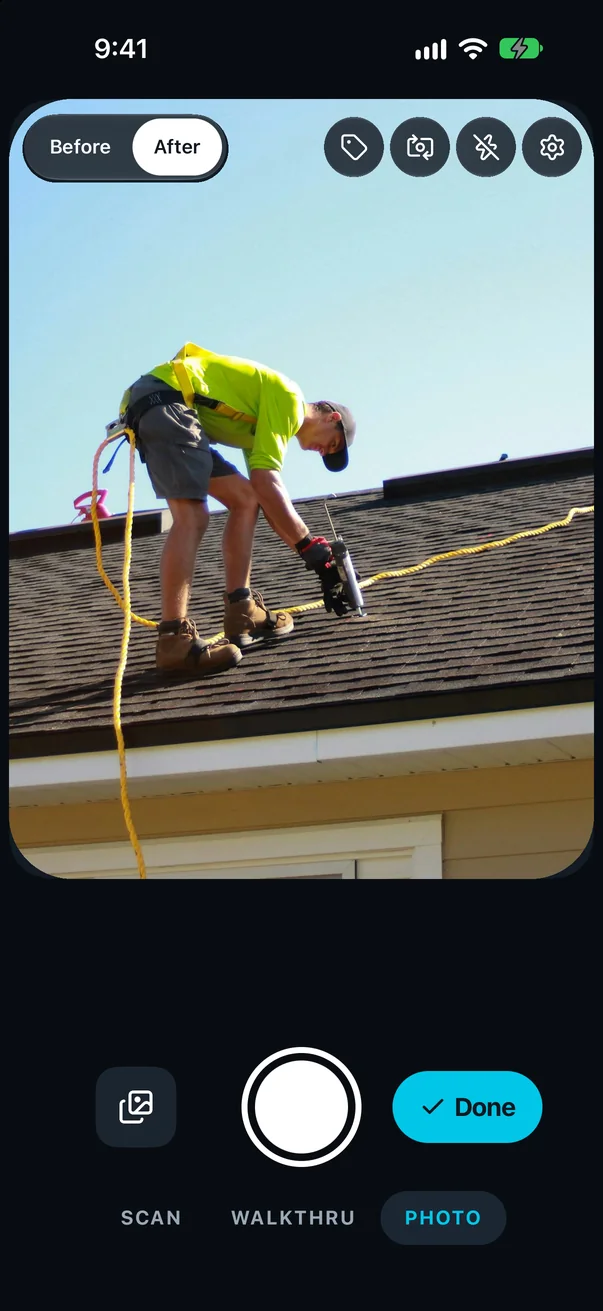
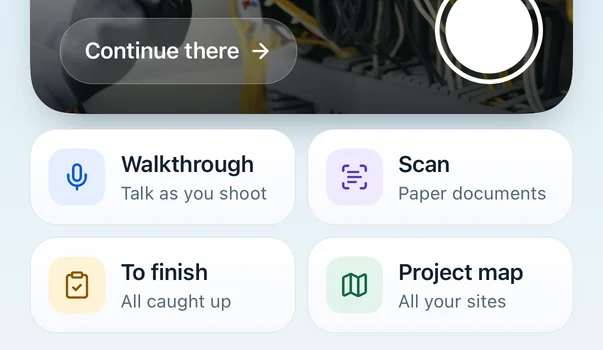
Take job photos, scan paperwork and talk captions into the right project. Free to download; sign up in the app for a 14-day Team trial with no card.
Coming soon to the App Store. NexaPhotos for iPhone is in Apple's review.
Joining your company’s account? Open the invitation email on your iPhone and set your password, then sign in.
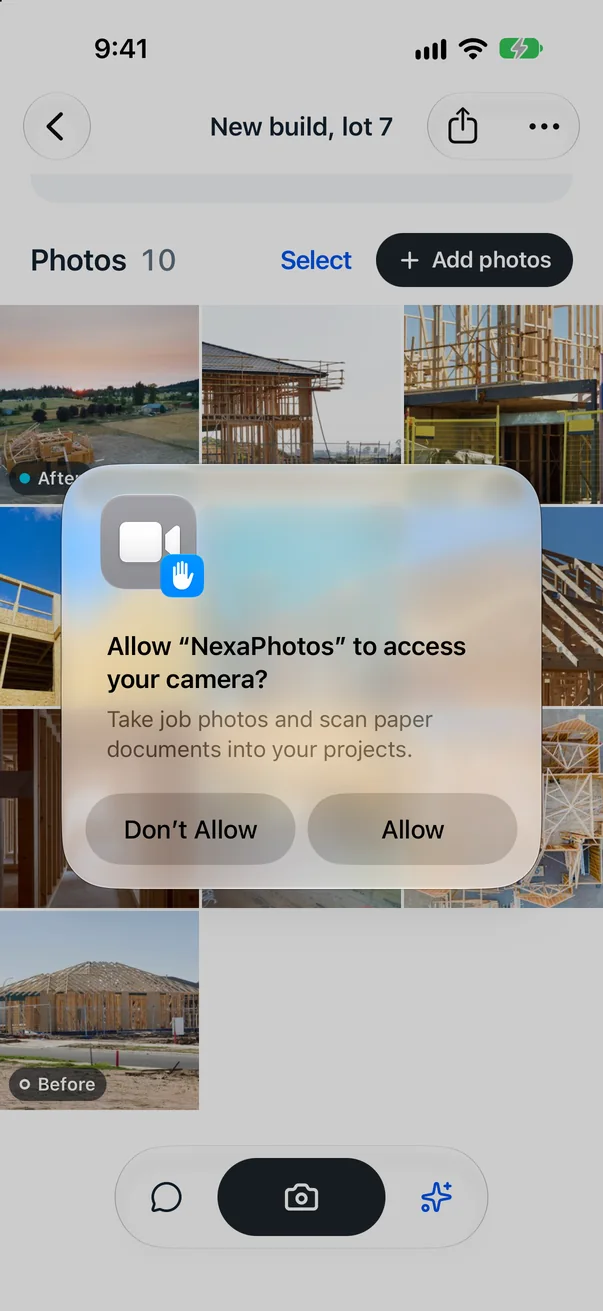
Each one is asked for the first time you use the feature. You can change any of them in the iPhone’s Settings.
Choose a password, then enter the 6-digit code we email you, your name and your company.
Shoot now and confirm the project and address later the same day.
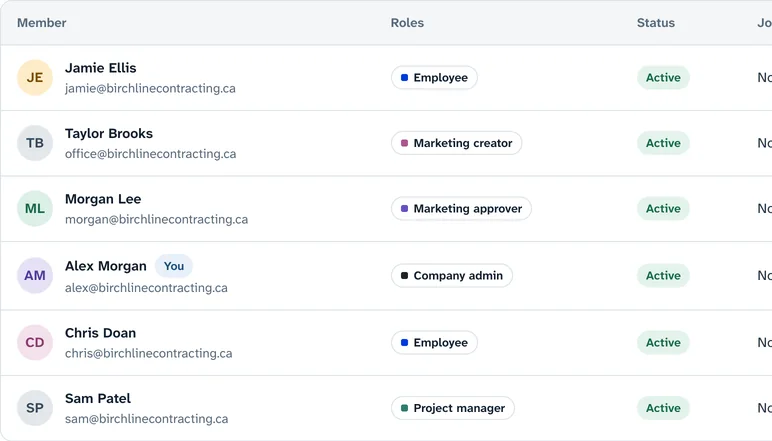
Sign in at nexaphotos.com and send invitations from Team settings.
The app is made for iPhone. On an iPad, a Mac or a PC, sign in at nexaphotos.com in the browser.
Not yet. On Android, sign in at nexaphotos.com in Chrome to upload photos from the phone.
Yes. Photos are kept on the iPhone first and sent when there is signal, without choosing them again.
No. Open the invitation email, set your password, then sign in to the app with the same email. Invitations last 7 days.
In the app, tap Account, then Delete Account. On the web, open My settings, then Delete account. Read how account deletion works.