Sends photos when the signal returns
If the signal drops, the upload picks up where it stopped. Nothing has to be chosen twice.
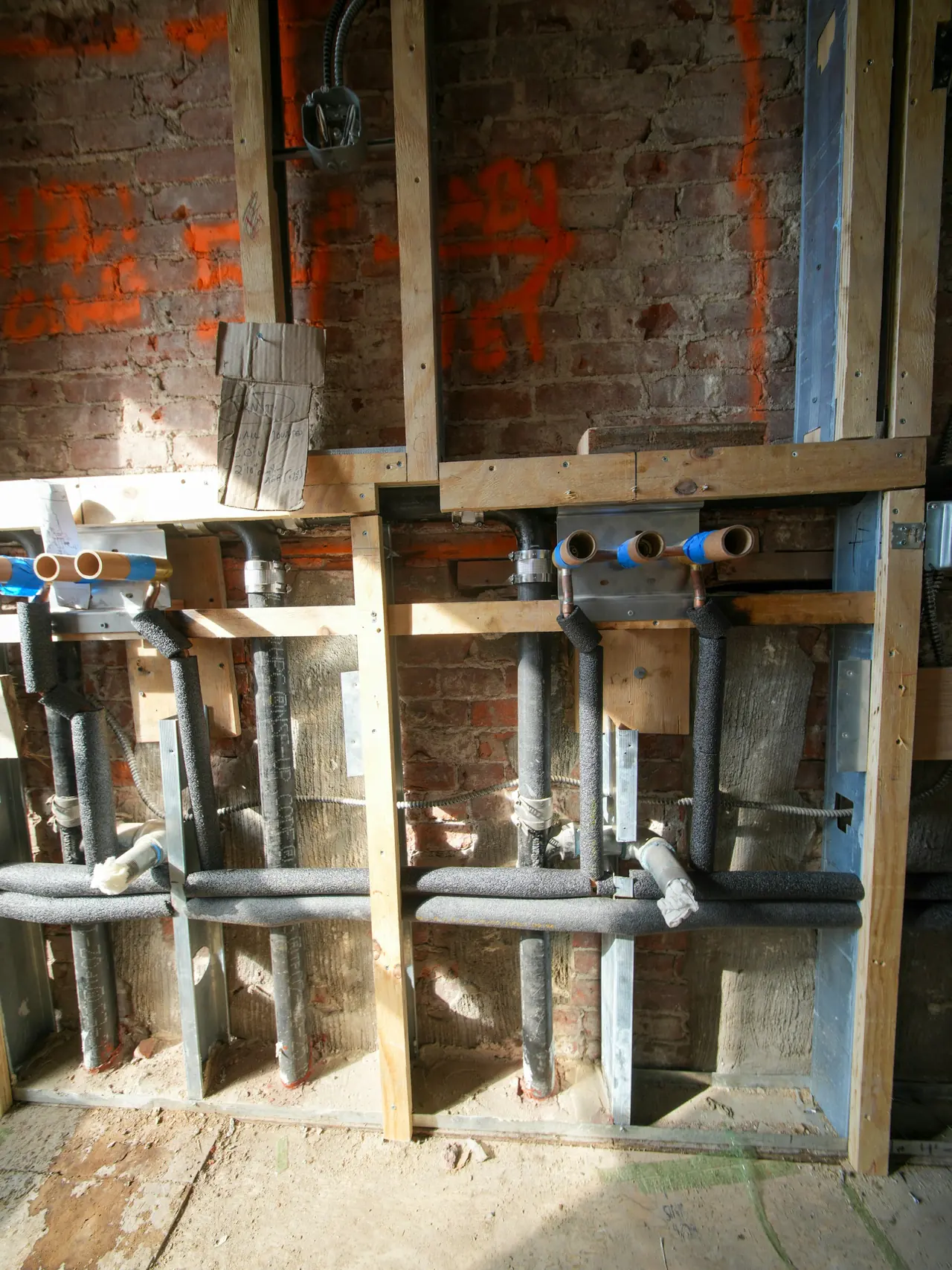
The photo app for contractors. Your crew shoots on the iPhone; every photo lands in the right project with its address and time, ready for a report.
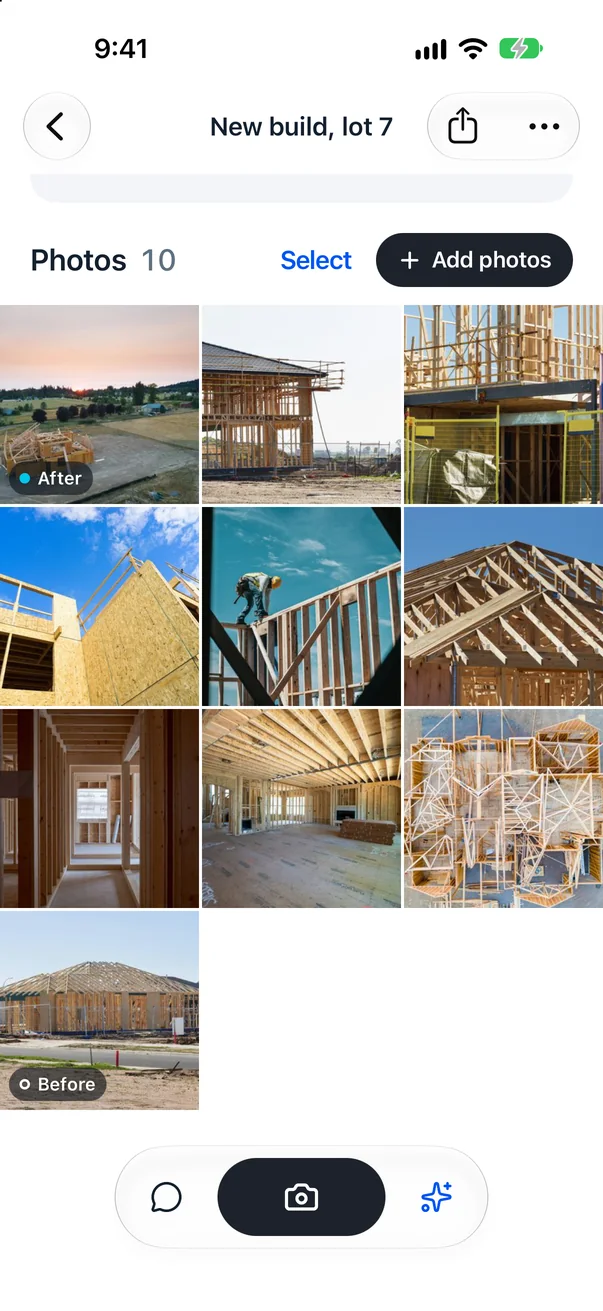
The iPhone files each photo by project and day, with the address and time. The office sees it on the web a moment later, beside the tasks, documents and reports.
See what each plan includes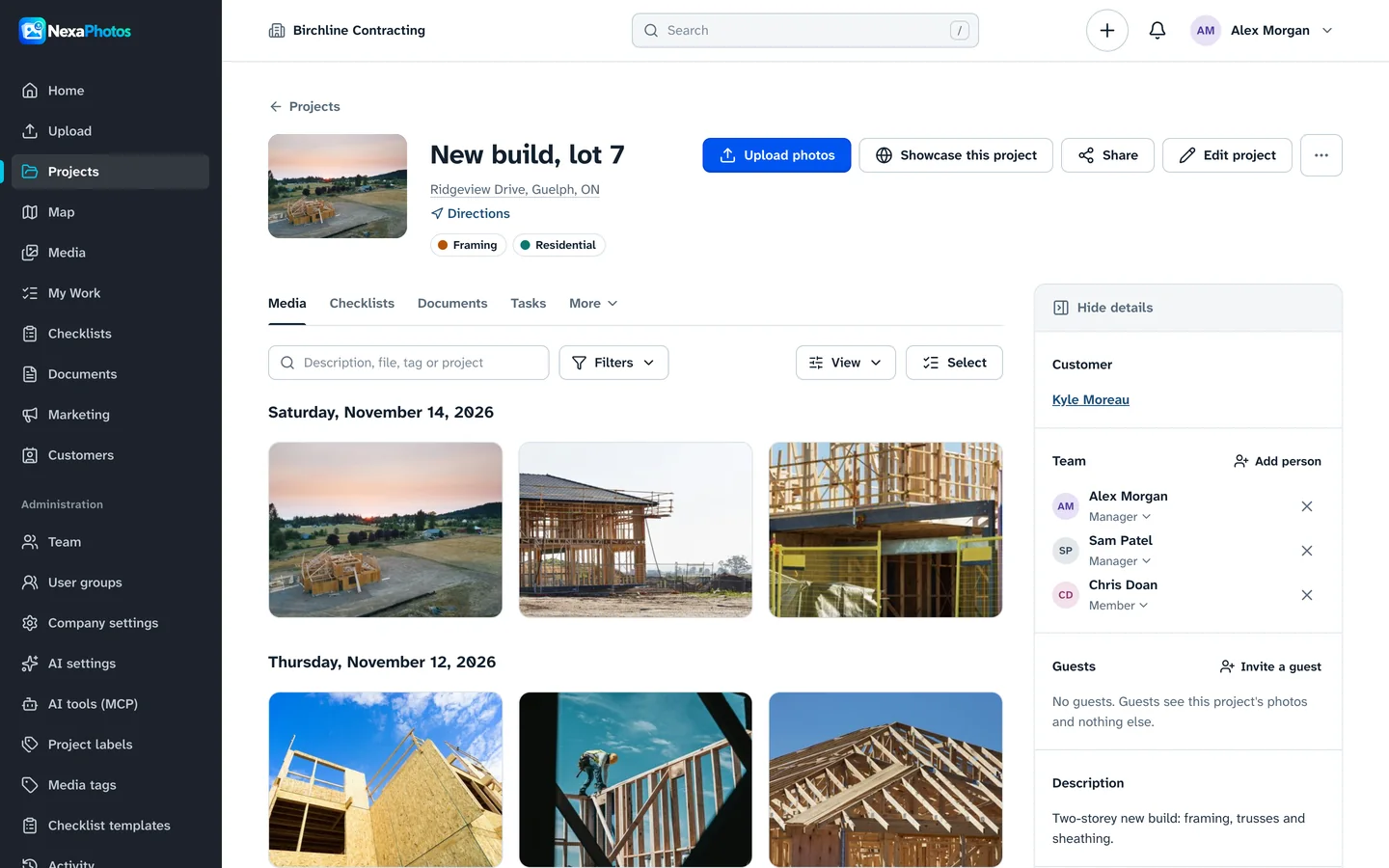
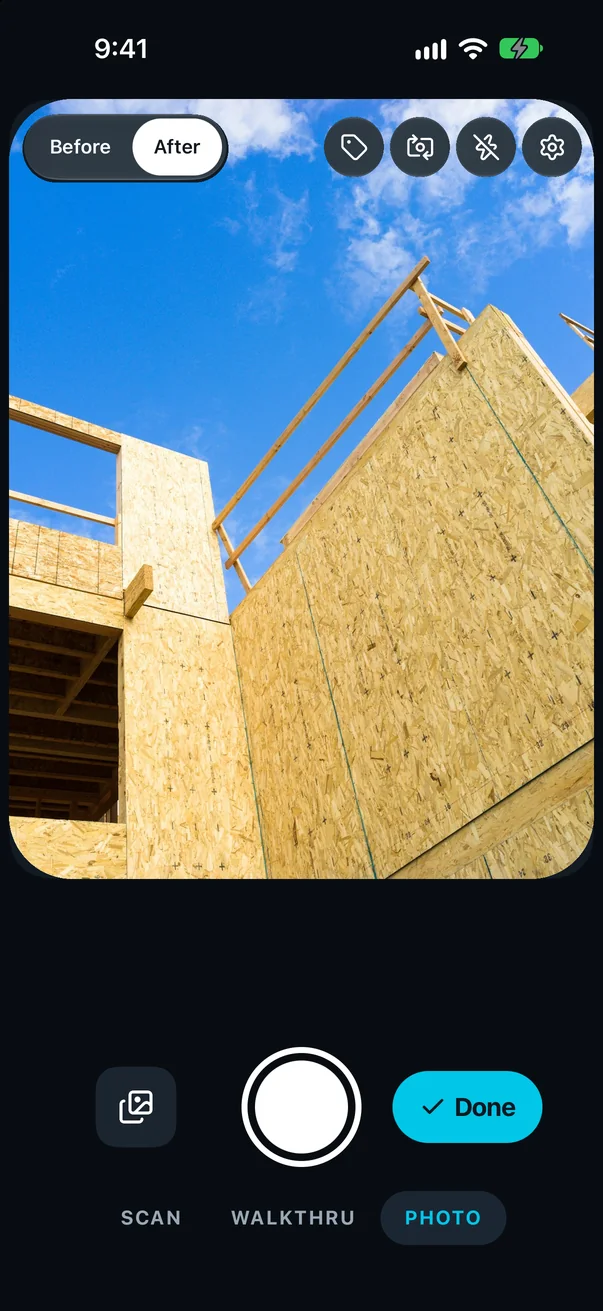
Tap Before or After and talk while you shoot. Your words become the caption, recognised on the iPhone itself.
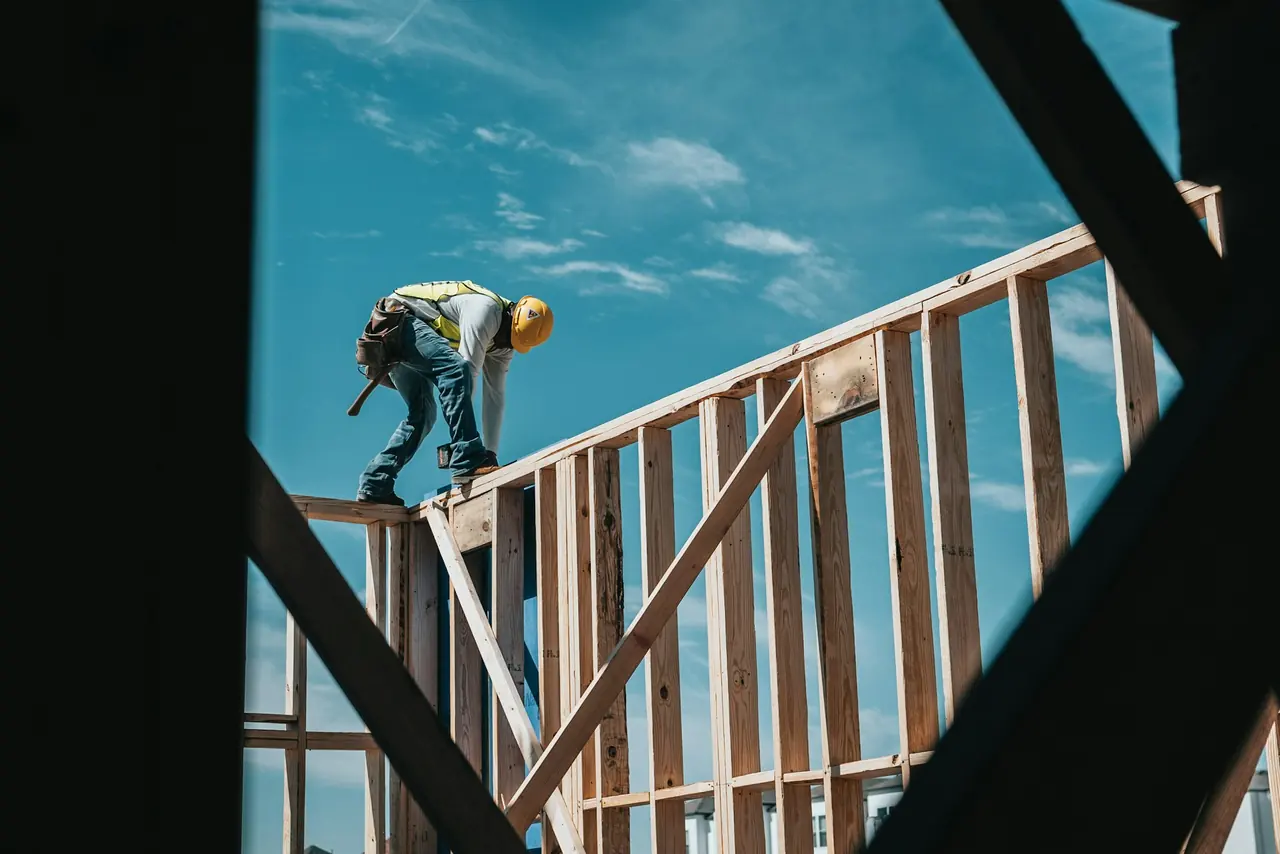
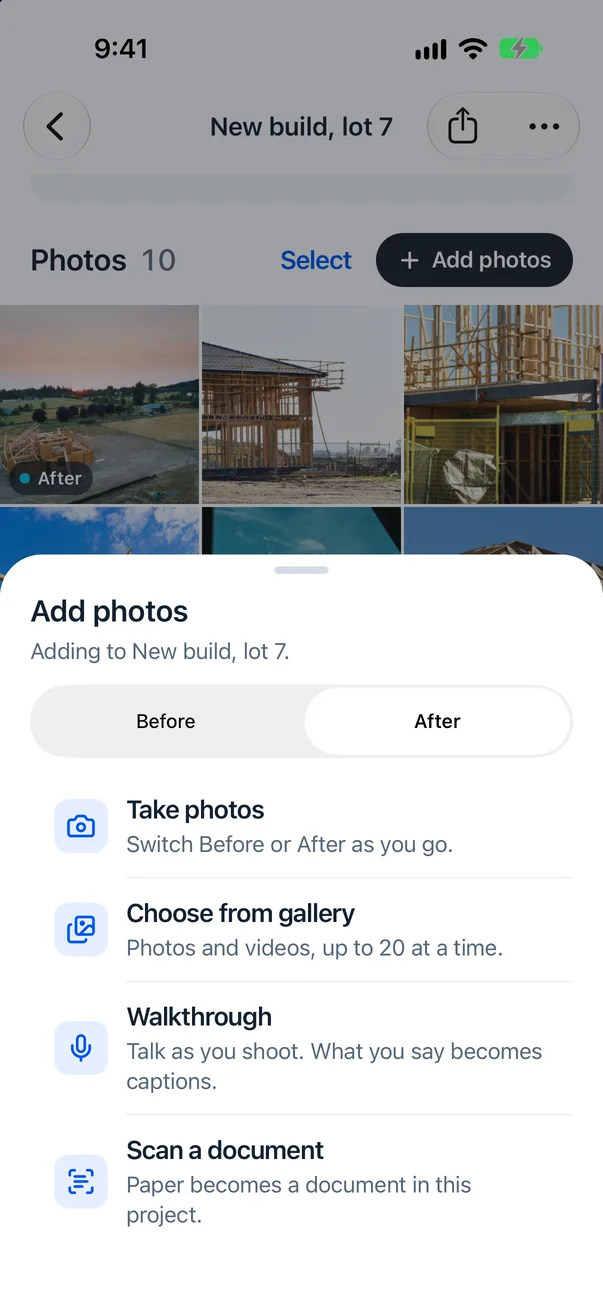
Photos save on the phone first and send when there is signal. Confirm the project back in the truck; a reminder keeps it from slipping.
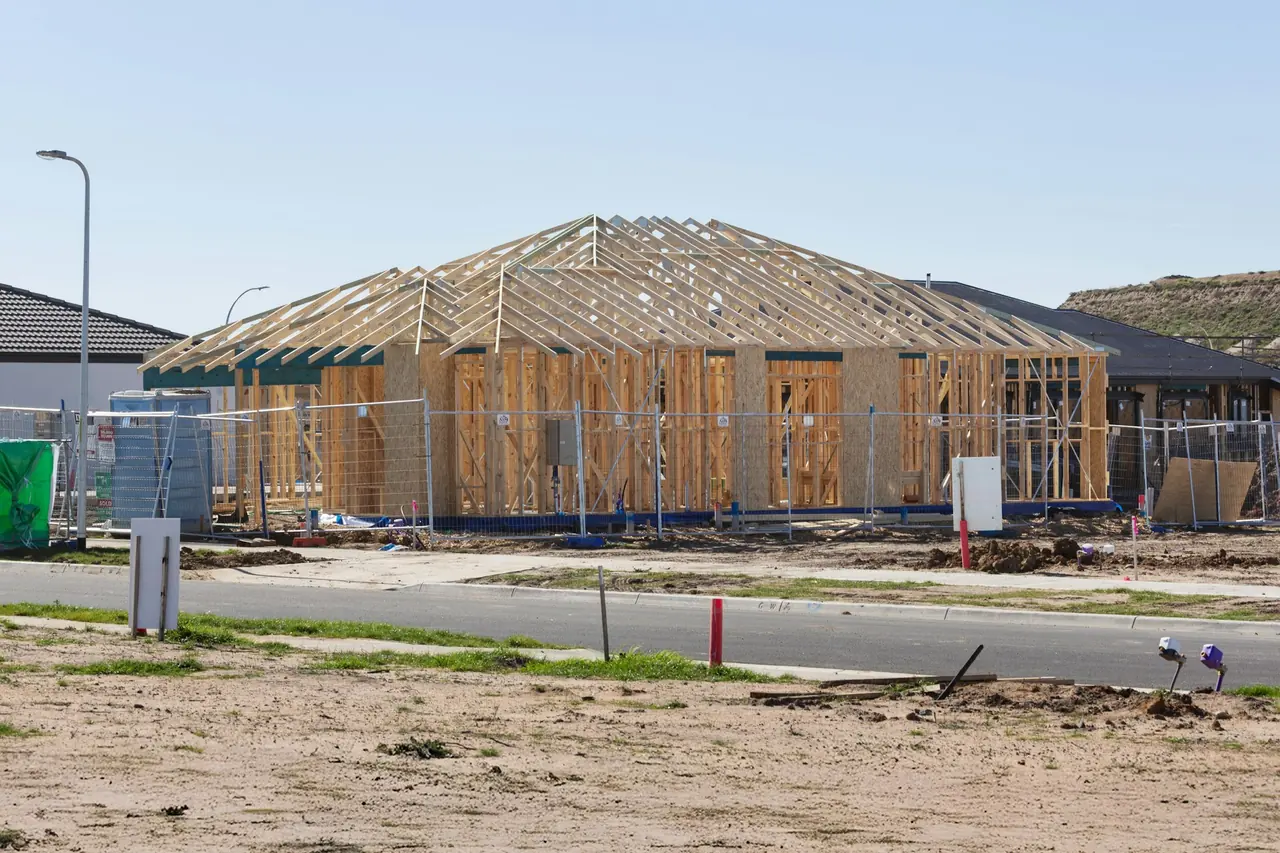
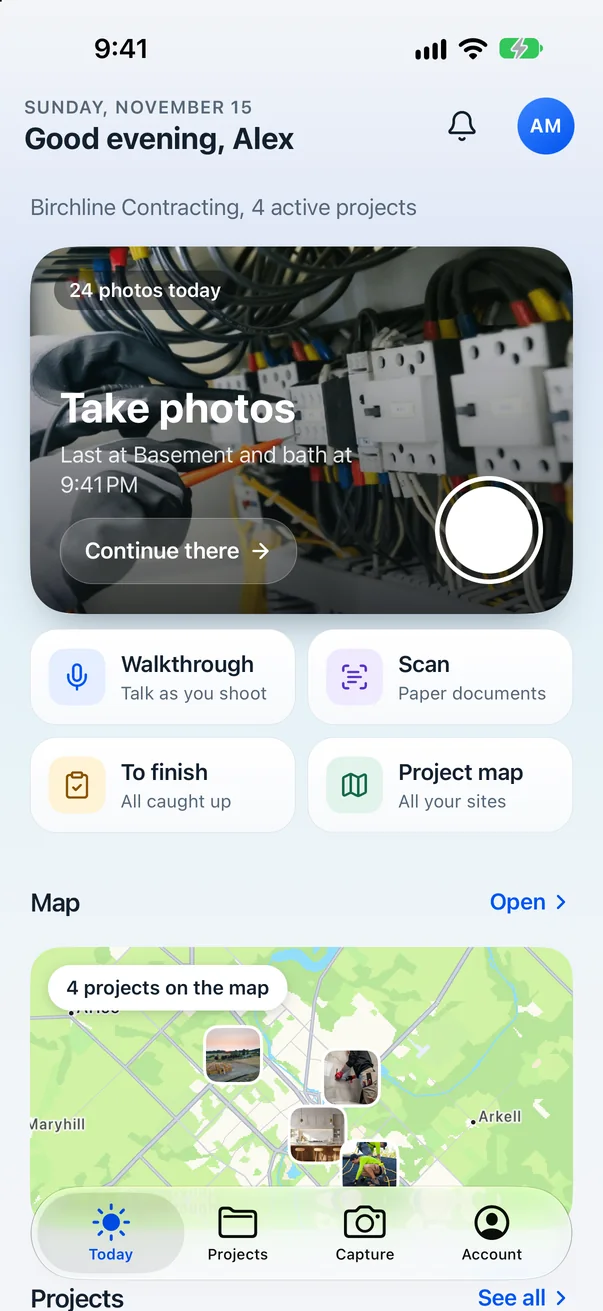
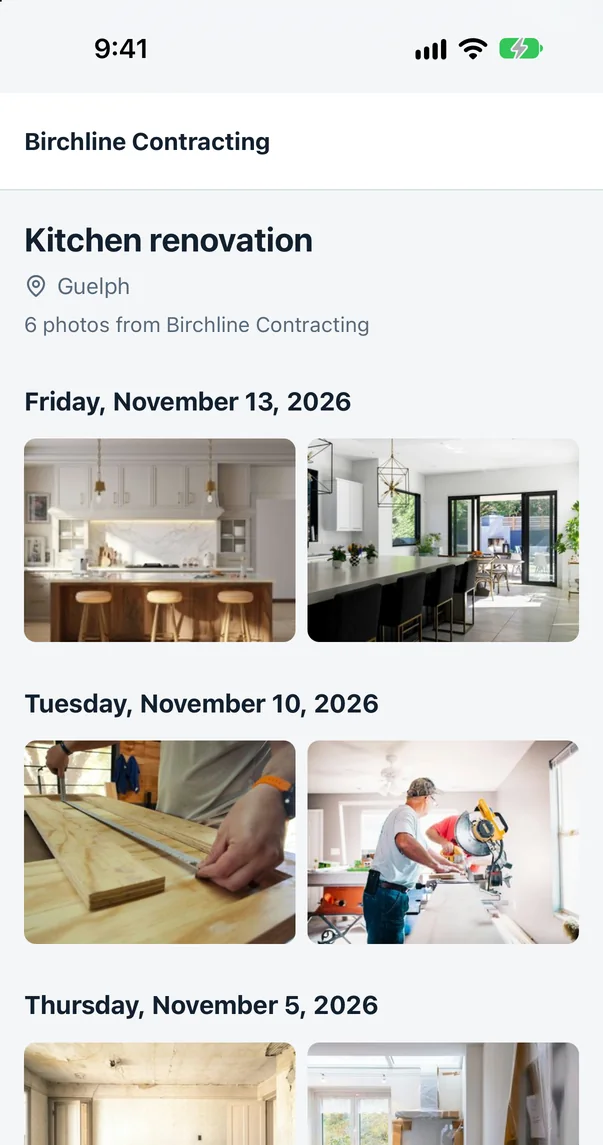
Share a project timeline the customer opens without signing in, or build a PDF report from the photos in the office.

If the signal drops, the upload picks up where it stopped. Nothing has to be chosen twice.
Speech is recognised on the iPhone. The audio never leaves it.
Work orders, permits and receipts become clean PDF pages.
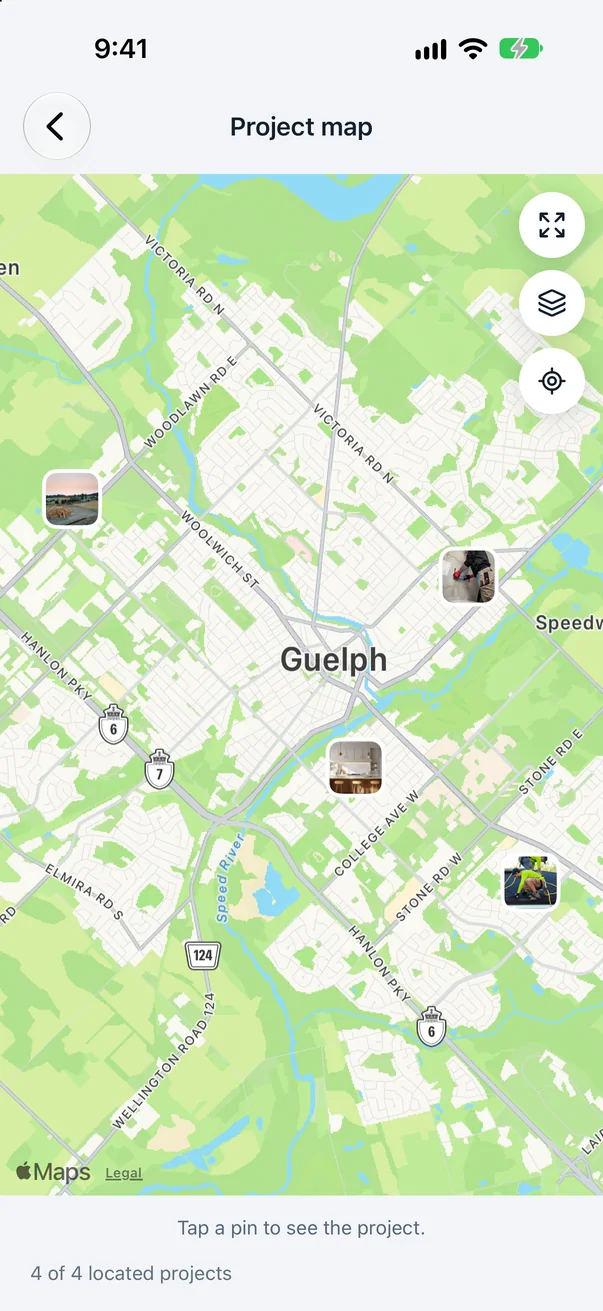
Your location fills in the address. Every project sits on a map.
Once photos are safely sent, remove them from the phone when you choose.

Why NexaPhotos
Job photos belong to the job.
Not in a camera roll, a group chat or the phone of someone who left in March. In NexaPhotos they stay with the company and the project they were taken for.
What changes if you move from a leading US job-site photo app.
1 From the public pricing and help pages of a leading US job-site photo app, read 11 October 2026. Marketing tools there mean social posts, Google Business Profile and a website gallery. Its plans may have changed since.
Not yet. NexaPhotos for iPhone is the phone app today. On Android, sign in at nexaphotos.com in Chrome to upload photos from the phone.
Yes, each person signs in with their own email, so every photo shows who took it. Team and Business include 3 users and grow with your crew.
Yes. Send a link to a project timeline or a set of photos. Guests you invite to a project never take a paid seat.
You choose a plan. Until you do, the workspace is read-only: everyone can still sign in, view and download, but new uploads wait.
Email [email protected] from the address on the account. Read how account deletion works.